
Adding money to an online casino account should be straightforward, but the best deposit method depends on your payment habits, bank, and budget. For players in the United Kingdom, bwin’s casino wallet is designed to collect funds for eligible games and related services in one account. This guide explains how to approach deposits, what to check before confirming a transaction, and how to keep control of your spending.
Payment options, limits, processing times, and eligibility can change. Always check the cashier in your own account and the current bwin terms before making a payment; A method displayed to one customer may not be available to another, and some options may depend on account verification or the payment provider.
What the bwin casino wallet does
Your casino wallet is the balance associated with your bwin account. When you deposit, the funds are credited to that account and may then be used for eligible casino games. The wallet also records transactions, so you can review deposits and withdrawals through your account history.
The exact way bwin presents balances can vary by product or promotion. Before playing, check whether a balance is cash, bonus funds, or a combination. Bonus terms may include wagering requirements, eligible games, maximum stakes, and expiry dates. A deposit does not automatically mean that a promotion has been activated, and opting into an offer can affect how funds are used or withdrawn.
How to deposit: a practical walkthrough
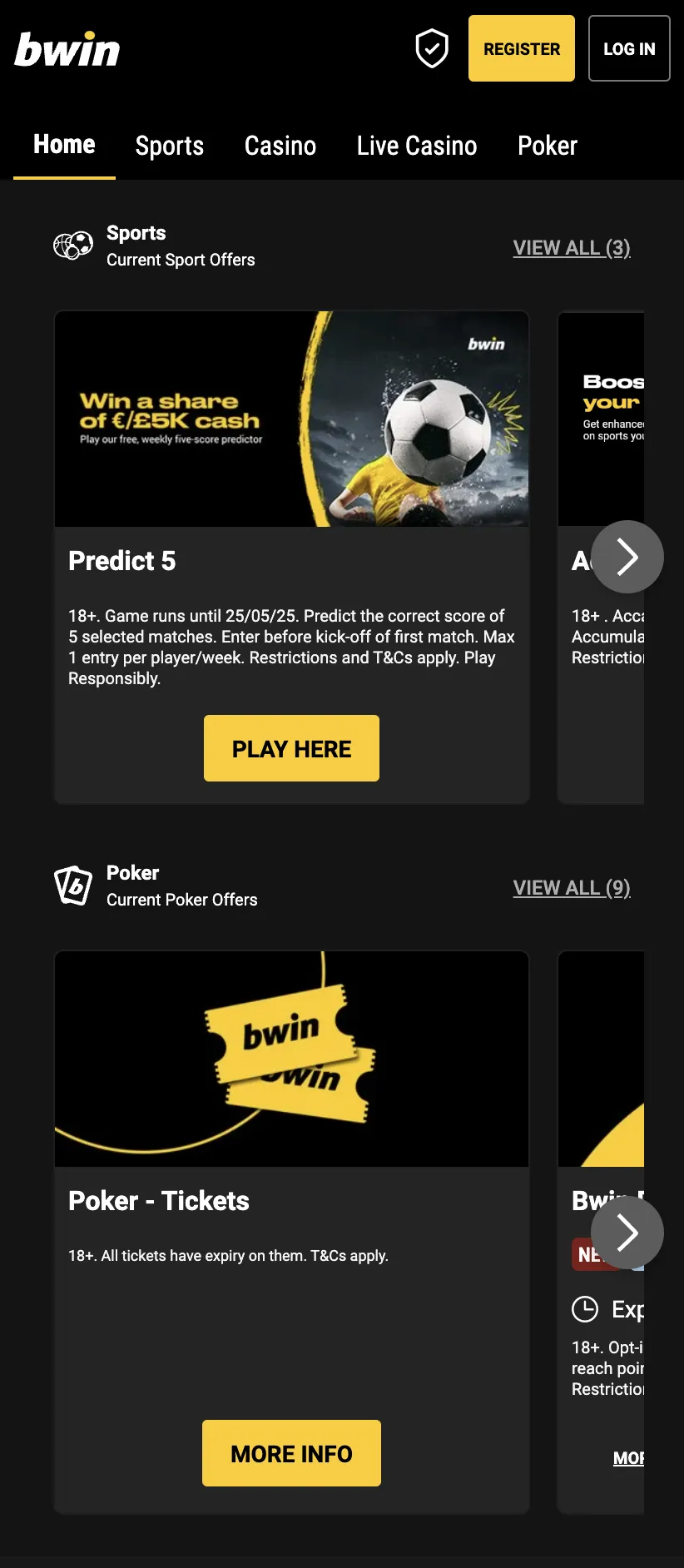
- Sign in to your account. Use the official bwin website or app, and make sure you are accessing the service intended for UK customers.
- Open the cashier or deposit section. The label and layout may differ between desktop and mobile.
- Review the available methods. Select a payment option shown in your own cashier. Check its minimum and maximum limits, any stated processing time, and whether the provider may charge a fee.
- Enter an amount within your budget. Use the deposit limits available in your account and avoid adding more simply to qualify for a promotion.
- Complete the provider’s instructions. You may be asked to authenticate in a banking app or confirm the payment using another security step.
- Check the result. Wait for confirmation in the cashier or transaction history before trying again. Repeating a payment while the first one is pending can lead to duplicate transactions.
Choosing a payment method
The cashier is the most reliable place to see which payment options are currently supported for your account. Options may include bank cards, online banking, or other electronic payment services, but availability is not universal. Do not assume a method is supported just because you have used it with another gambling operator.
When comparing methods, consider more than speed. Check whether the account name matches your bwin registration, whether the provider permits gambling transactions, and whether the method can also be used for withdrawals. Some payment providers restrict gambling payments, and a successful deposit does not guarantee that the same route will be available for cashing out.
- Convenience: Is the method easy for you to access and authenticate?
- Cost: Does the bank or payment provider apply a fee or currency-conversion charge?
- Timing: Is the transaction usually instant, or might it take longer to appear?
- Compatibility: Does the cashier list the method for your account, and are there any account restrictions?
- Security: Are you using a private device and the provider’s genuine authentication process?
Limits, verification, and safer deposits
Deposit limits are important both as a payment condition and as a way to manage play. Check the limit displayed by bwin before submitting a transaction. Your bank or payment provider may also impose separate limits. If a deposit is declined, increasing the amount or repeatedly attempting the same payment is unlikely to solve the underlying issue.
Operators may request identity, age, address, or payment-method checks to meet legal and security obligations. Complete any requested verification through the official account area and provide only the information requested. If a deposit is delayed while checks are in progress, contact customer support rather than sending additional payments.
Set a spending plan before depositing. Decide what amount you can afford to lose as entertainment, and do not use money needed for rent, bills, food, debt payments, or savings. UK players should also use the account’s responsible gambling tools, such as deposit limits, time-outs, or self-exclusion, where available. If gambling stops feeling manageable, pause and seek support from a recognised UK service such as GamCare or the National Gambling Helpline.
Common deposit problems
Payment declined
A decline can come from the bank, payment provider, account details, security checks, or an operator limit. Check that your payment information is accurate and that your provider allows the transaction. If the reason is unclear, ask the provider or bwin support for guidance. Never share a one-time passcode or password with someone claiming to fix the payment.
Money left your account, but the wallet has not updated
Some transactions need time to be confirmed. Check your bwin transaction history and payment account first. Keep the transaction reference and note the date and amount. If the wallet remains unchanged after the stated processing period, contact support with those details. Avoid making another deposit until you know whether the original one is pending or completed.
Deposit went to the wrong account or amount
Contact bwin support and your payment provider promptly. Do not try to reverse or dispute a completed transaction without first understanding the provider’s process, since a chargeback can affect your account. Keep all confirmation messages and screenshots that show the transaction status, while protecting sensitive information.
Questions and answers
How quickly will a deposit appear?
Timing depends on the payment option, provider checks, and account status. The cashier may show an estimate, but it is not a guarantee. Consult the transaction record if the balance does not update immediately.
Can I deposit using another person’s card?
Use only a payment method that belongs to you and is permitted under bwin’s current terms. Third-party payments can be rejected or trigger additional checks. If you are uncertain, contact customer support before attempting a deposit.
Why is a payment method missing from my cashier?
Payment options can vary with location, account eligibility, provider availability, and verification status. The options displayed after you sign in are more relevant than a general list found elsewhere.
Can I withdraw to the same method?
Withdrawal rules depend on the method and applicable account checks. Review the withdrawal section and current terms before depositing, especially if you are choosing a method specifically for future cash-outs.
Does depositing activate a bonus?
Not necessarily. Promotions may require you to opt in, enter a code, or meet other conditions. Read the complete offer terms before accepting it, including wagering requirements, eligible games, and withdrawal restrictions.
Mobile deposits and account security
Many UK players manage their accounts on a phone. The Bwinapp UK Mobile App can make it convenient to reach account features, but convenience should not replace careful checks. Download or access bwin only through official channels, keep your device’s operating system updated, and use a screen lock. Avoid depositing over public Wi-Fi, particularly if it is not protected by a password.
Before confirming a payment on mobile, review the amount, the selected method, and any provider fee shown on screen. Do not approve a banking notification if the amount or merchant details do not match your intended transaction. If you suspect that someone else has accessed your account, change your password through the official site and contact bwin support immediately.
Final checklist before confirming
- You are signed in to the official UK-facing bwin service.
- The payment method is listed in your own cashier and belongs to you.
- The amount is within your budget and any account or provider limits.
- You have checked fees, processing information, and withdrawal compatibility.
- You understand any promotion’s terms before opting in.
- You will keep the transaction confirmation and will not retry while a payment is pending.
Depositing into your bwin casino wallet is best treated as a planned payment, not a spur-of-the-moment decision. Confirm the method and terms in your account, keep records, and use responsible gambling controls. If anything about a transaction is unclear, pause and ask the payment provider or bwin support before sending more money.
